
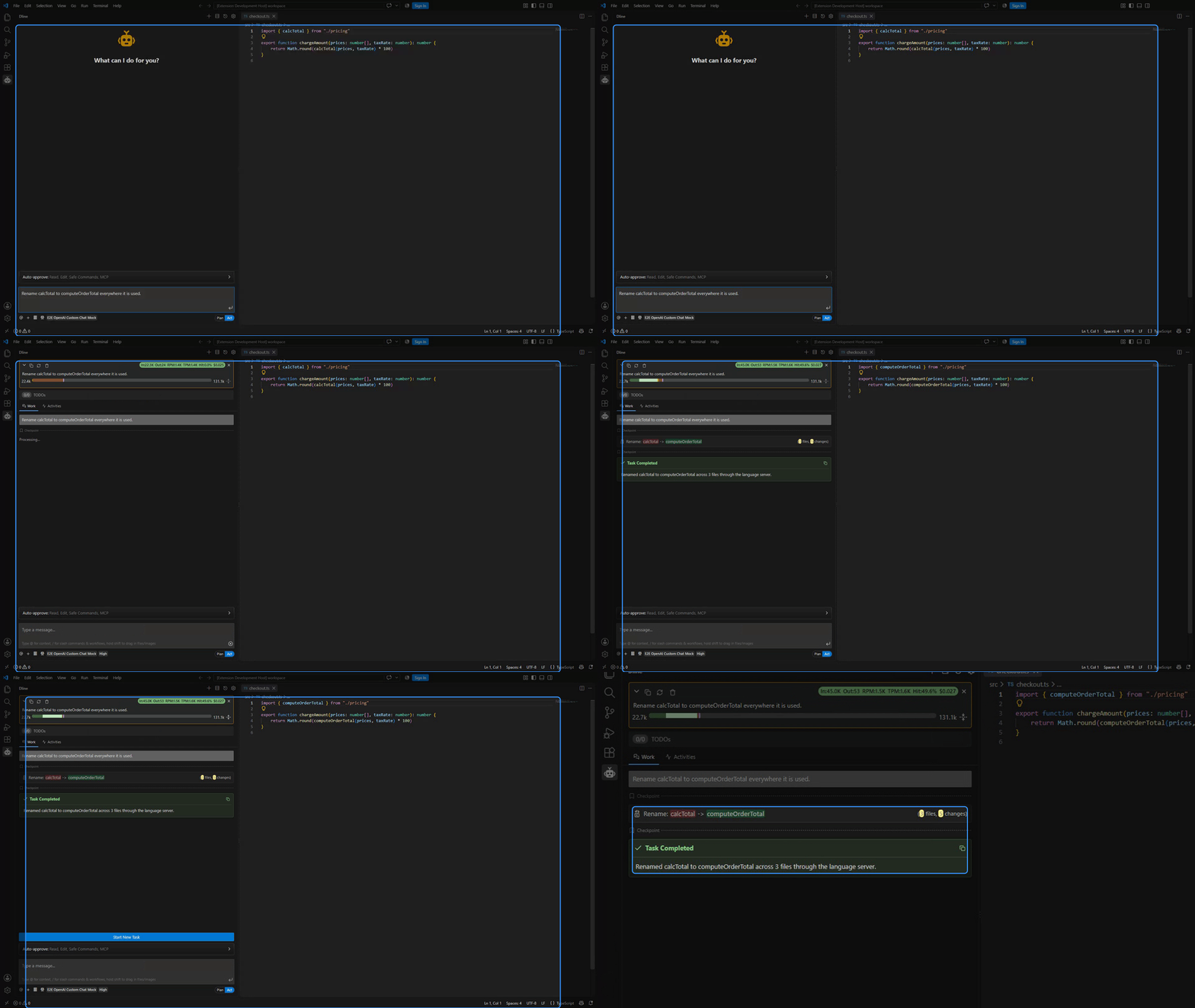
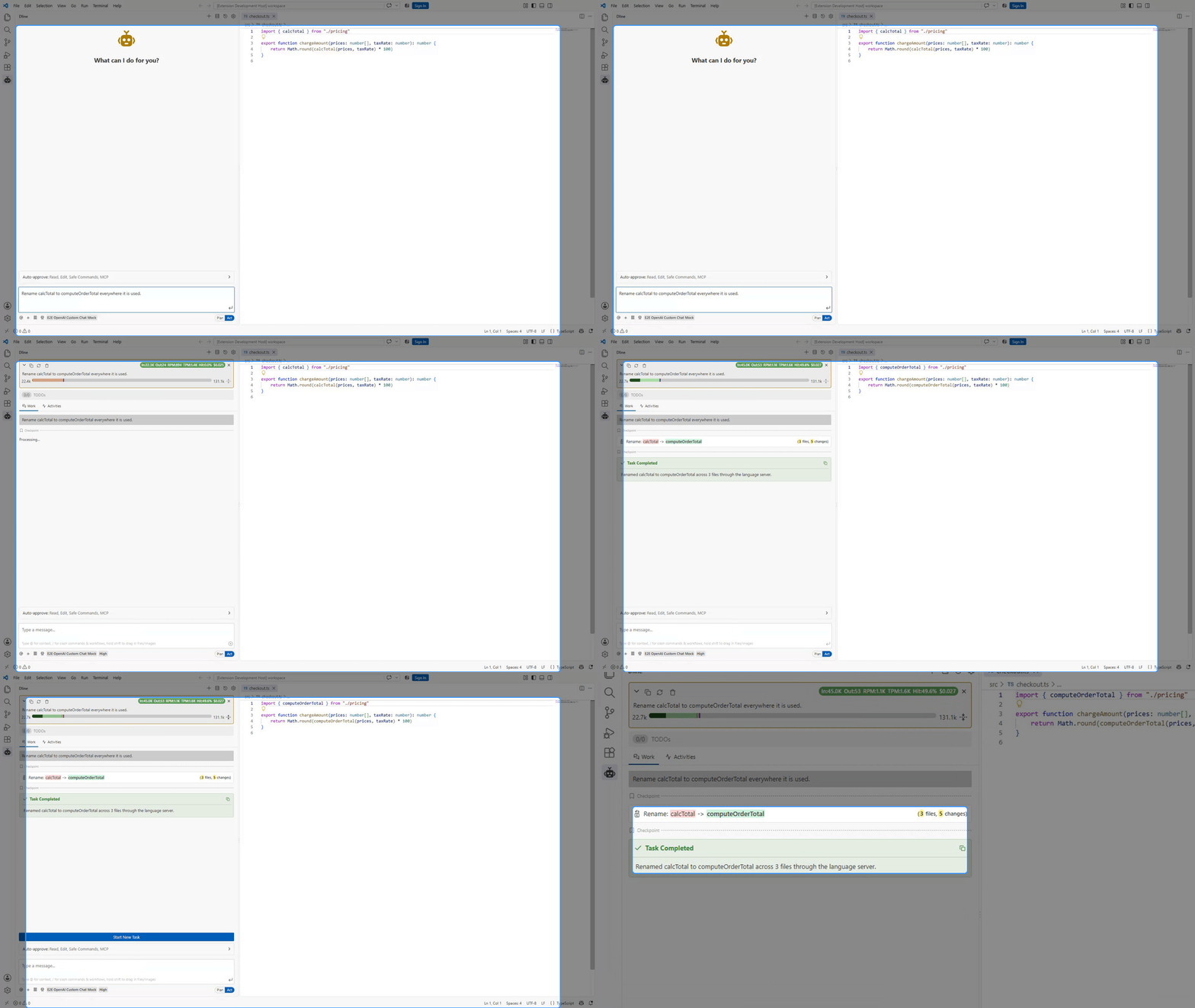
Reads code like an IDE
Follows definitions, references and tests through the editor’s language server, renames symbols across files, and edits with targeted patches.
Dline is an autonomous coding agent for VS Code. Run several tasks side by side, each with its own model, settings and checkpoints. Dline reads the codebase, edits files, runs commands, drives a browser and calls MCP tools, and it stops for your approval wherever you have drawn the line.

What Dline actually does
Dline works across the editor, the terminal, the browser and your MCP servers, and records every step in one transcript you can review.
Follows definitions, references and tests through the editor’s language server, renames symbols across files, and edits with targeted patches.
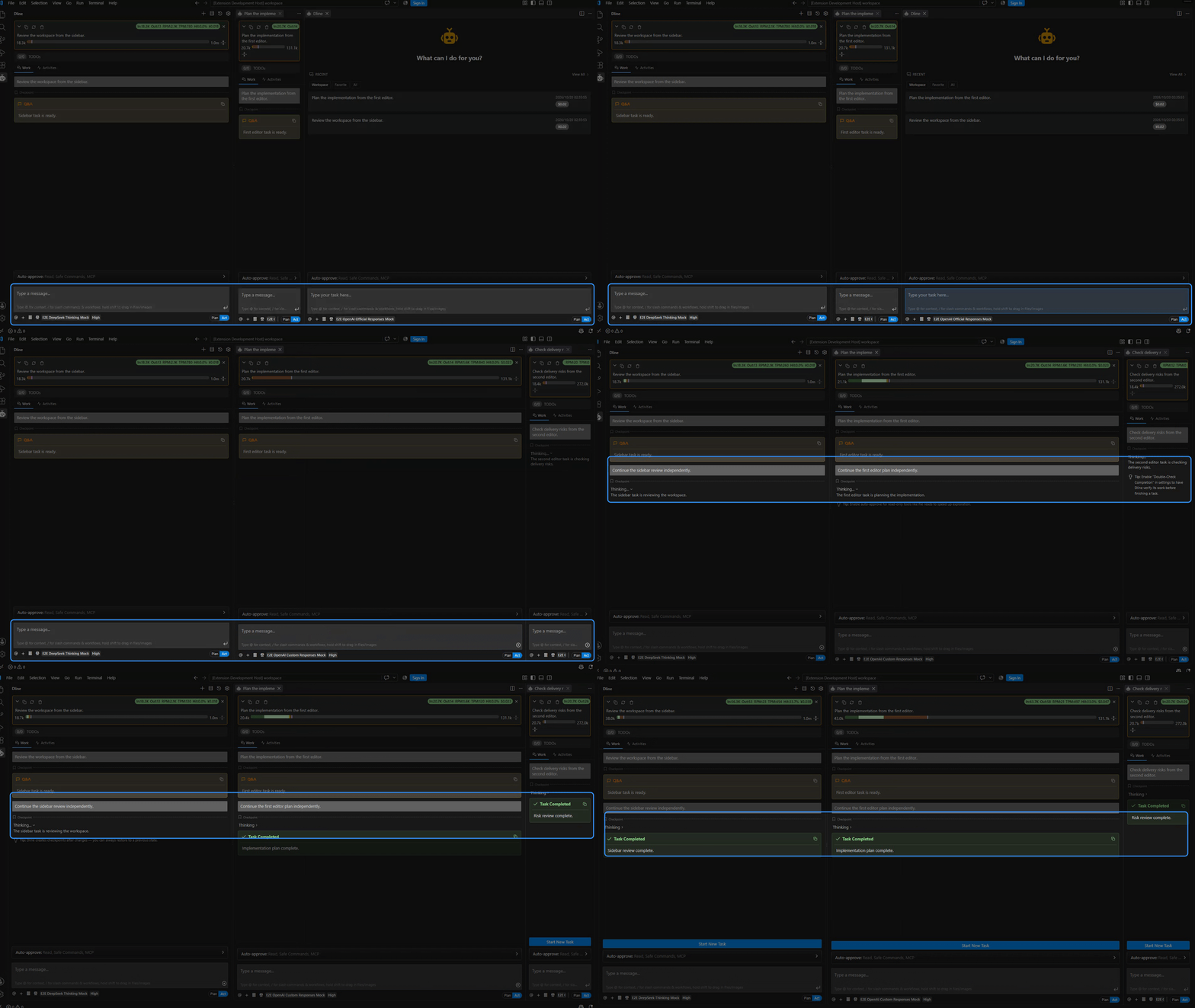
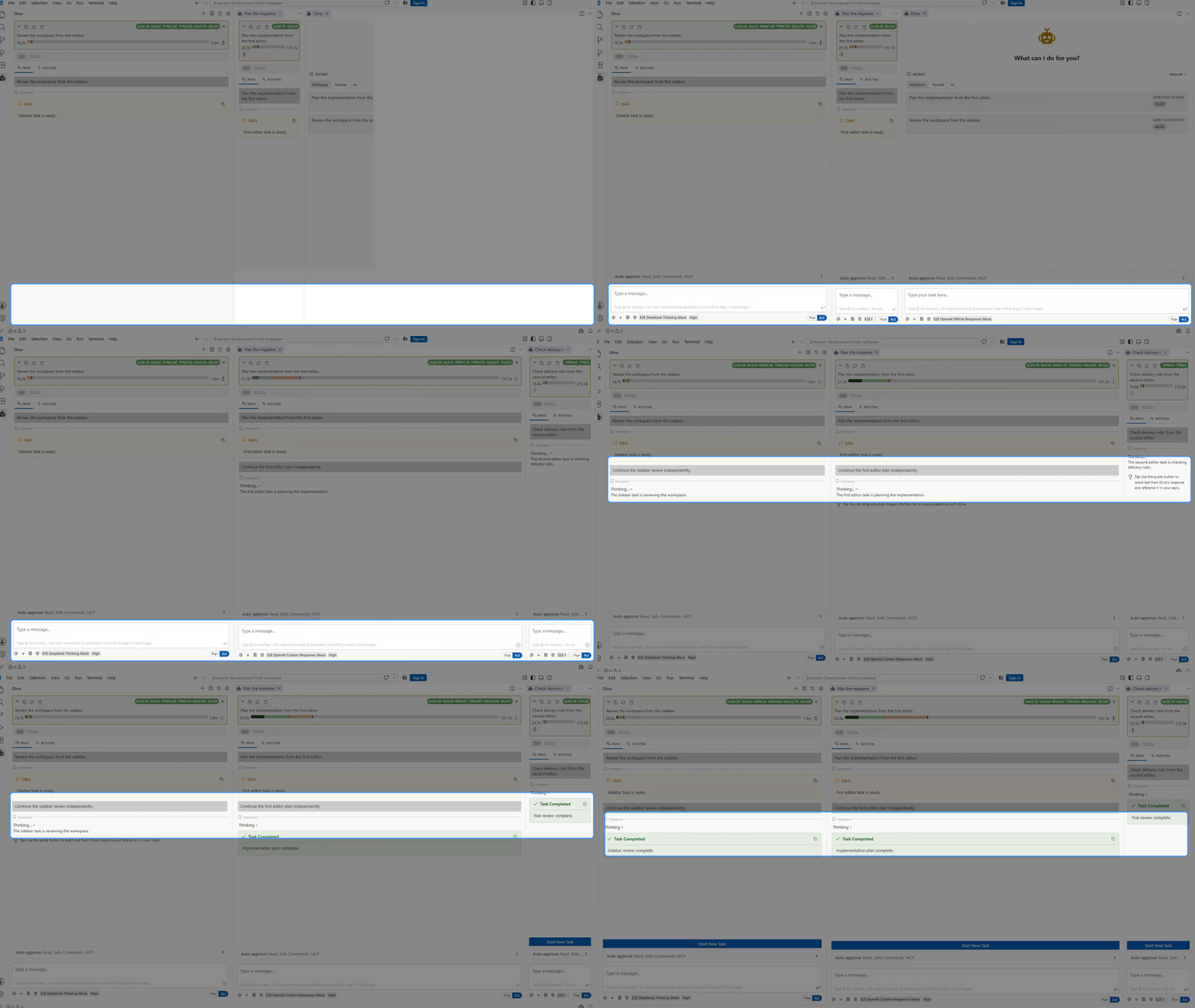
Each task keeps its own model, settings and checkpoints. Delegate research to up to 32 subagents in one call, or to named subagents with their own profiles.
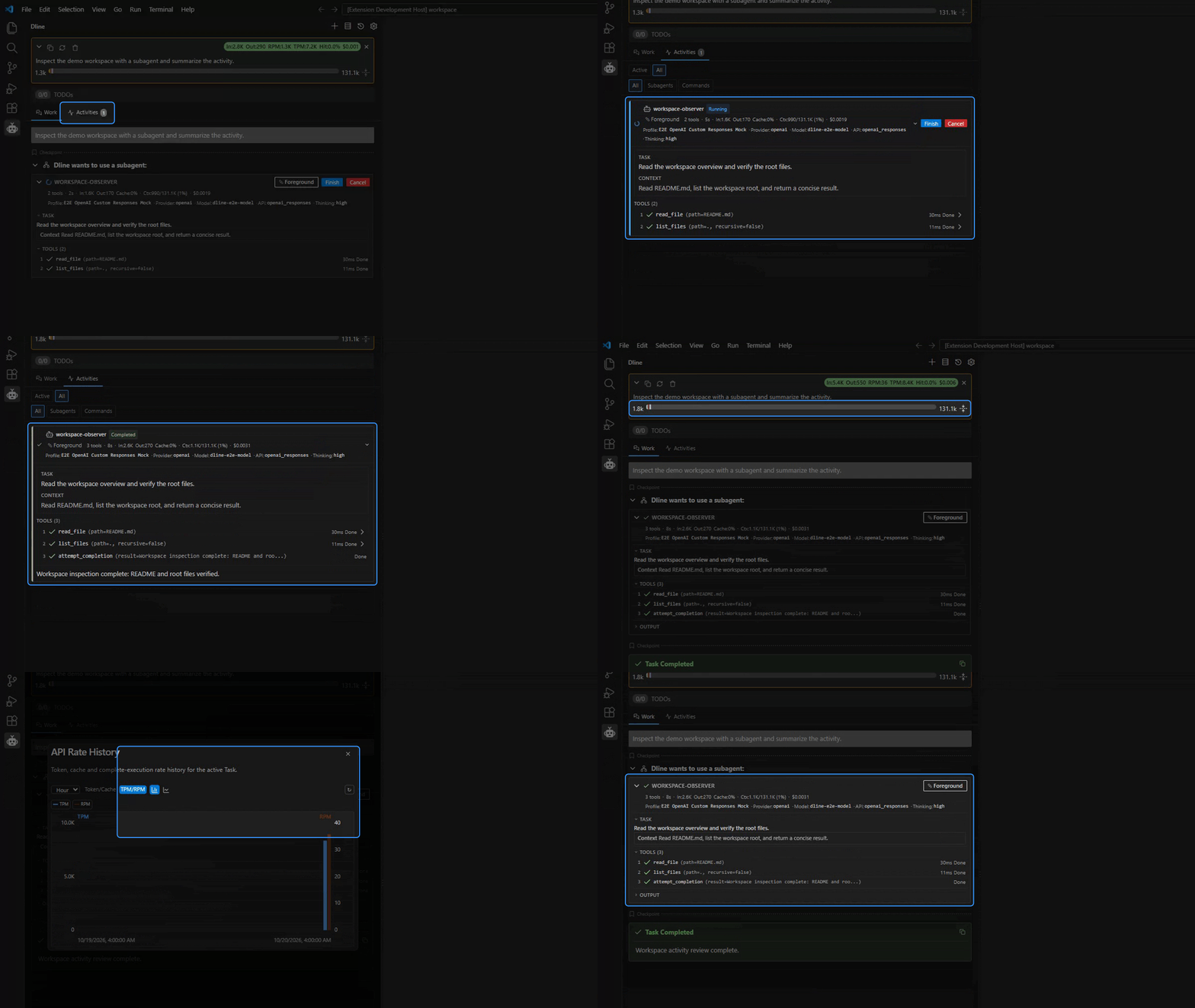
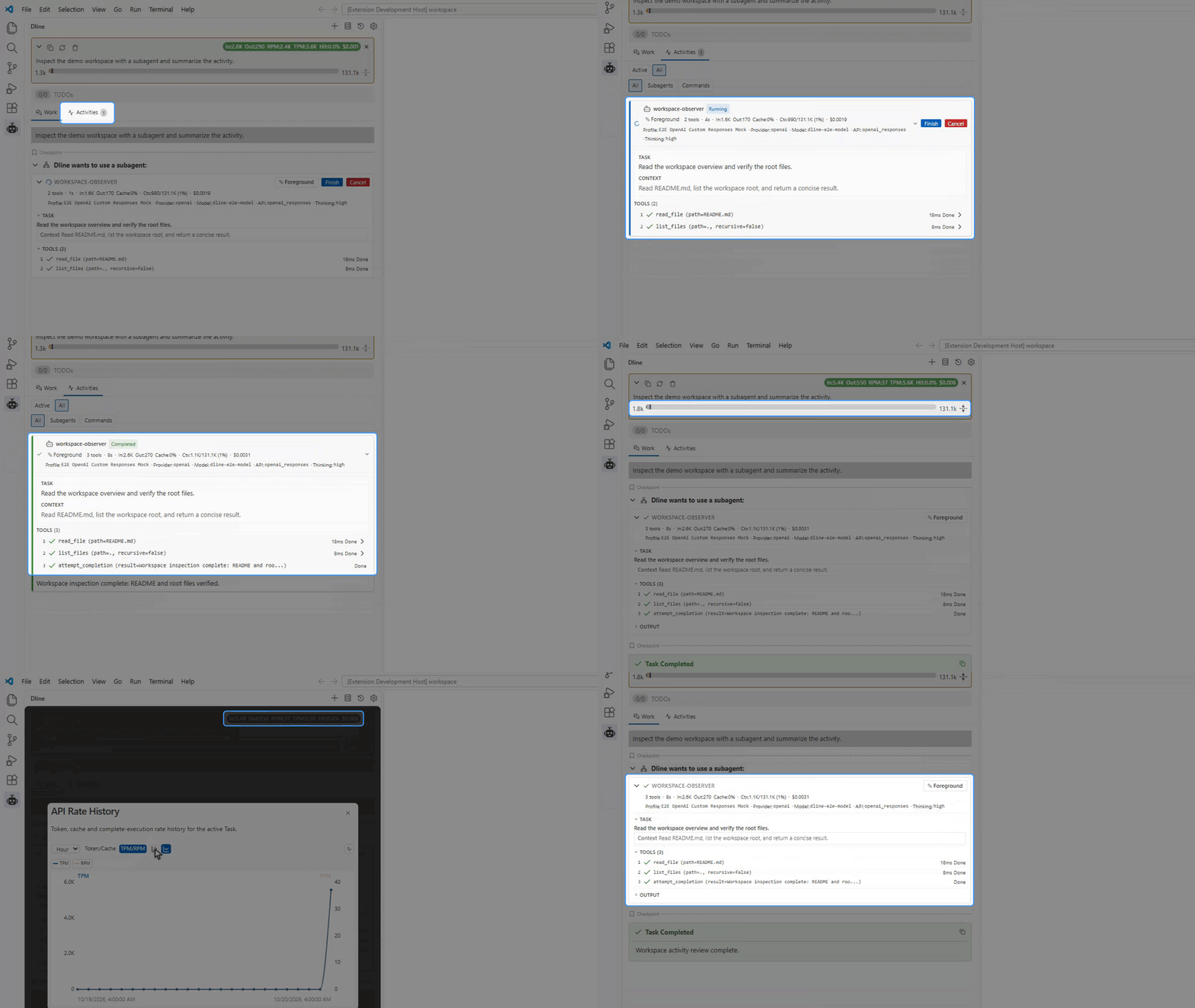
Terminal commands that keep running in the background, browser automation, web search and fetch, and MCP tools and skills loaded only when needed.
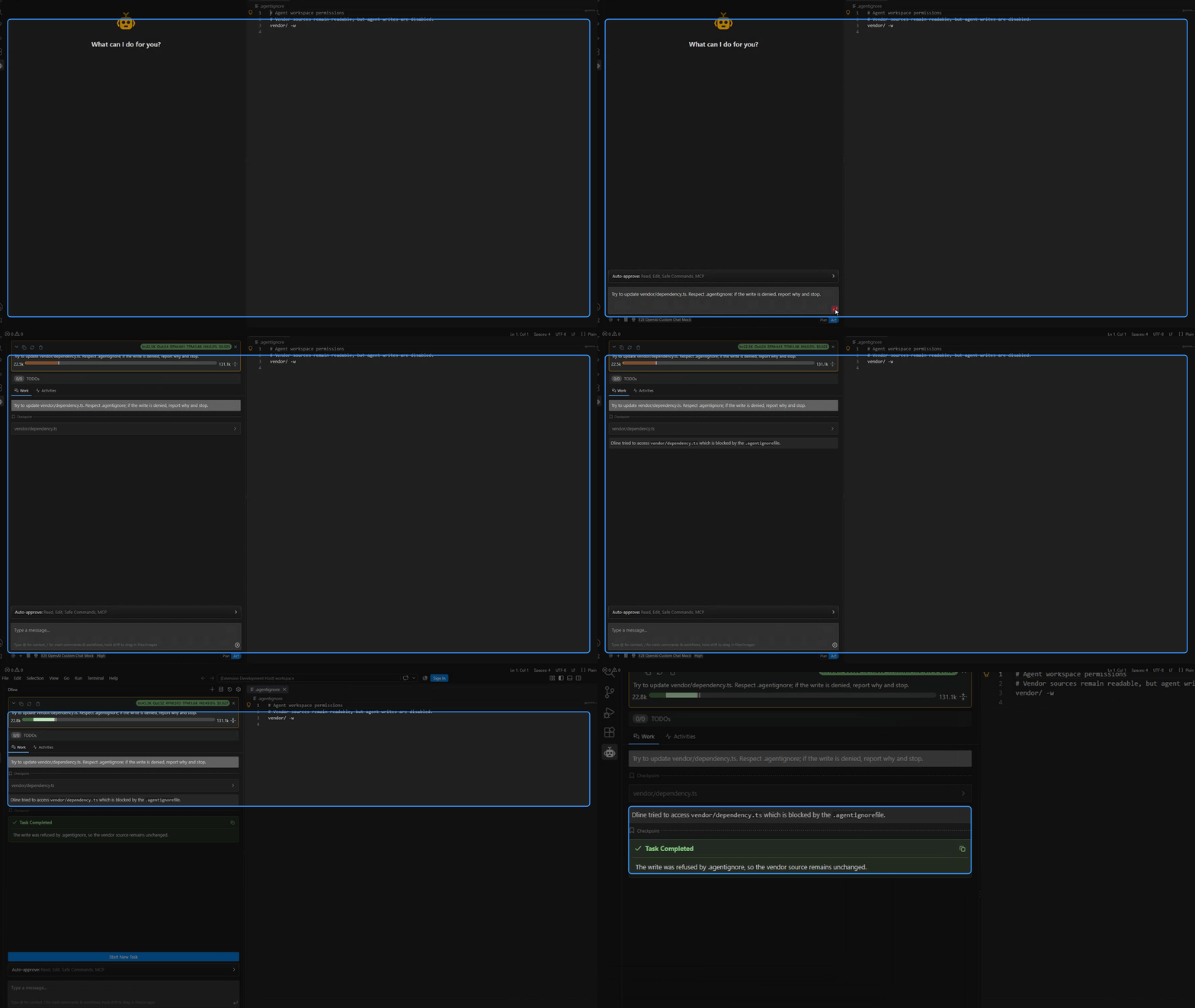
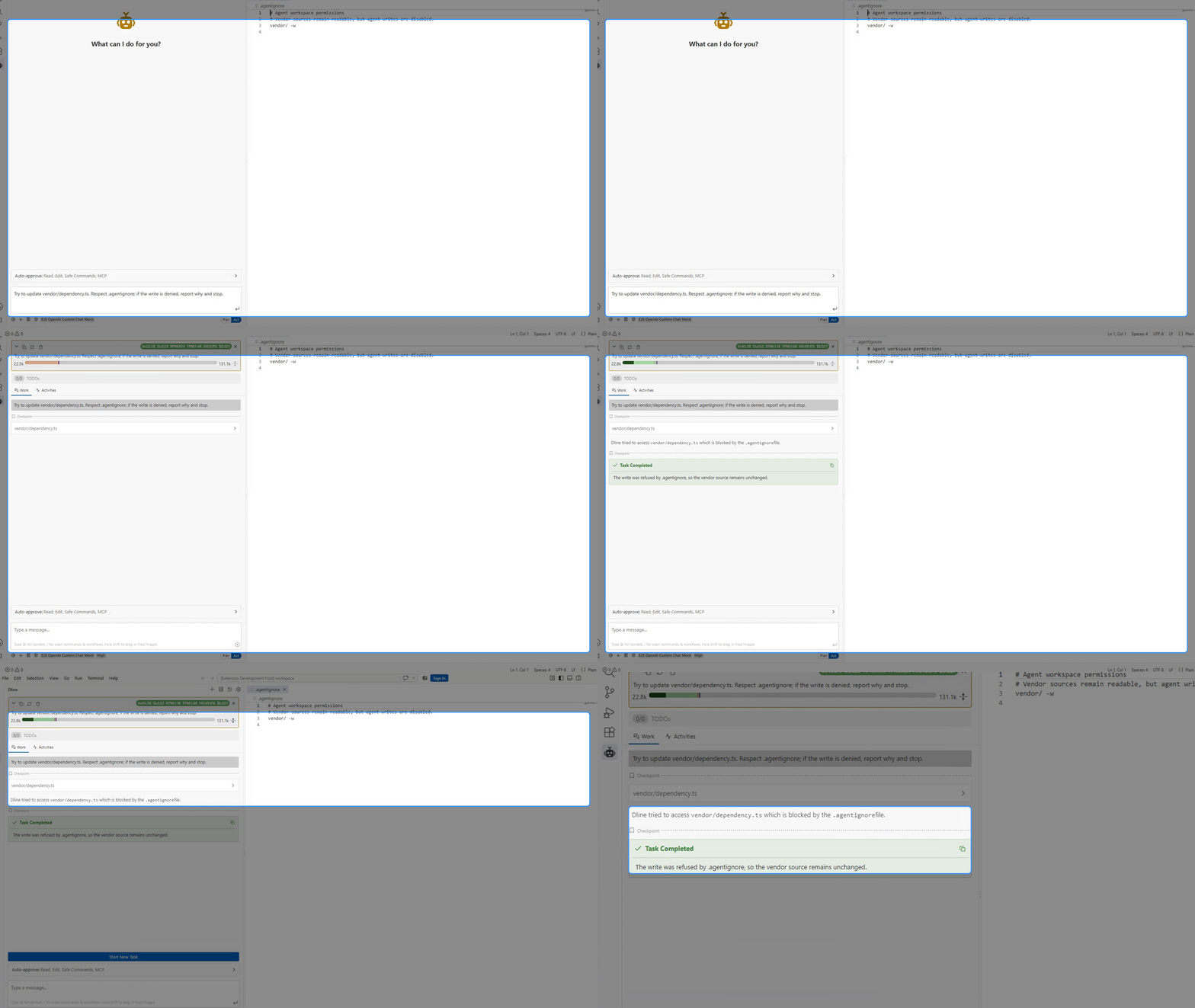
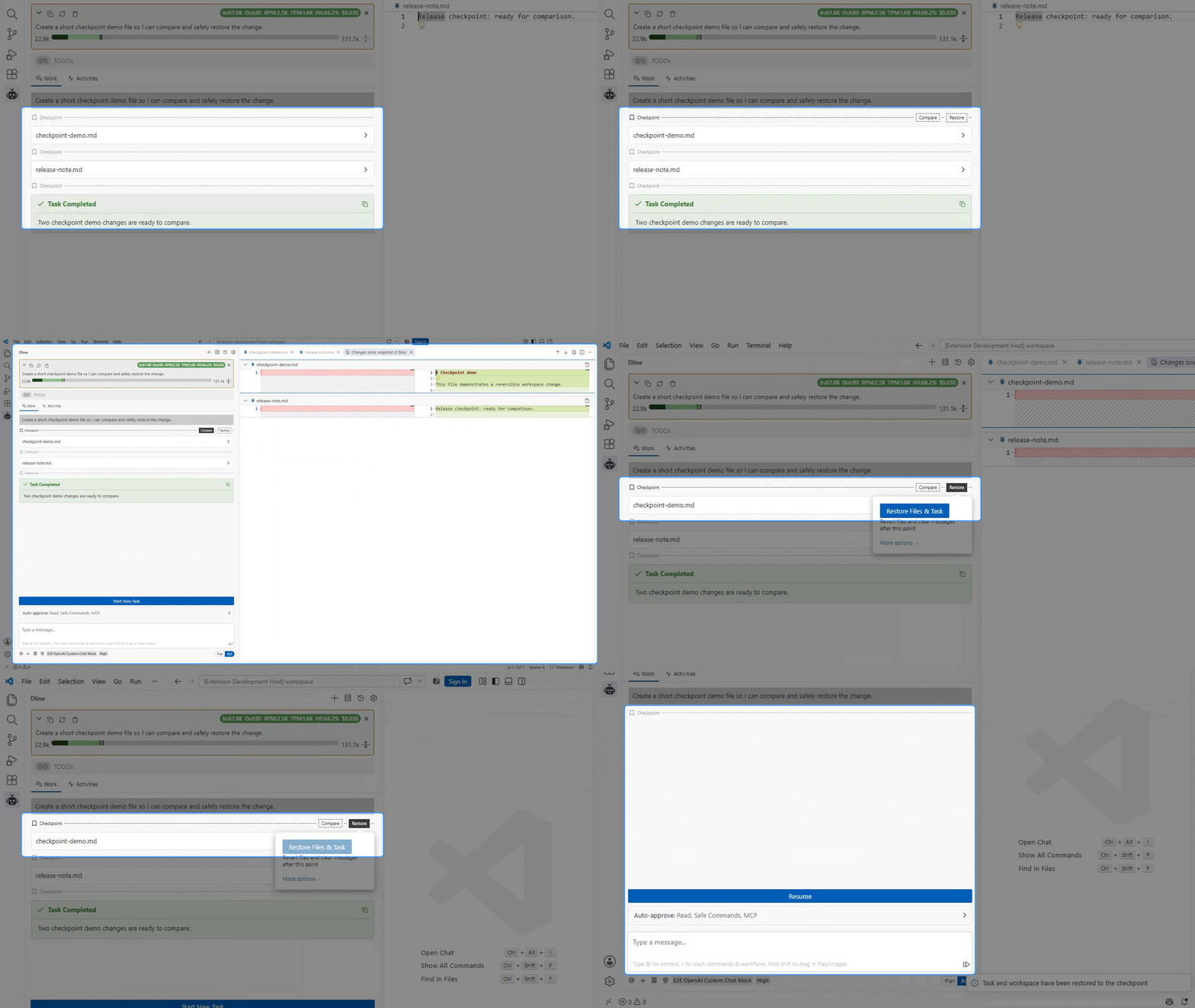
Approval rules for each kind of action, an .agentignore that separates read, write, run and listing permissions, and Git checkpoints you can compare and restore.
Plan mode and Act mode
Every task moves through the same four stages, and each one leaves something you can inspect before the next begins.
Read the workflow guide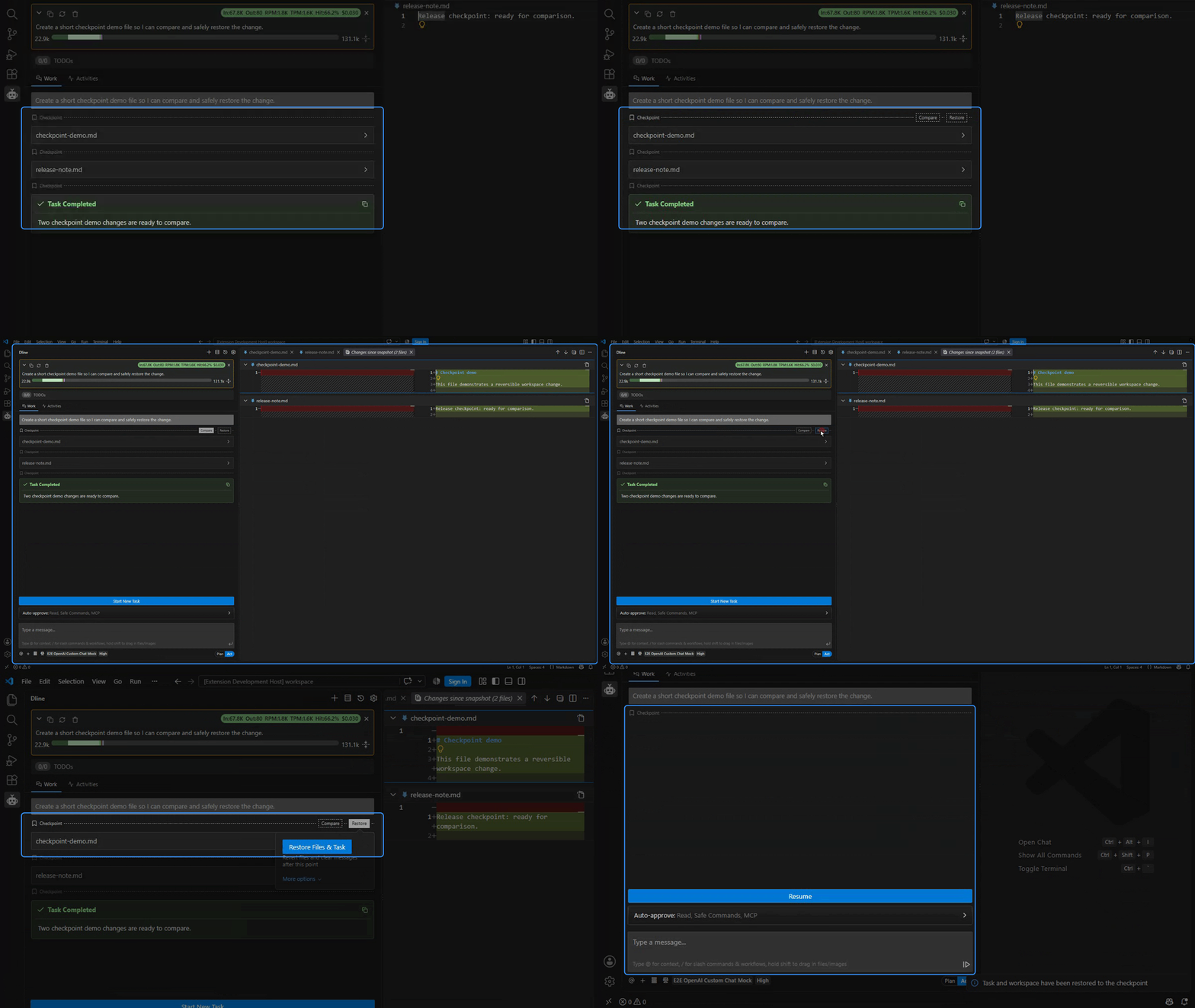
In Plan mode Dline reads the code, asks what it cannot find out on its own, and proposes a plan with a tracked todo list.
You review the plan. Edits, commands and tool calls then follow the approval rules you set.
In Act mode Dline edits, runs, browses and delegates, in parallel where the work allows it.
Checkpoints, the activity log and the todo list show what changed. Restore any step you do not want.
OpenVSX adoption
Two guides
The user guide covers installation and your first task. The developer guide covers building from source, debugging and the architecture.
Open source · Apache-2.0